

ForeLoom.
AI insight. Your judgment.
Find possible conflicts in your family tree, then ask a locally running AI model to explain what needs a closer look. ForeLoom keeps the evidence and every decision in your hands.
AI explains.
You decide.
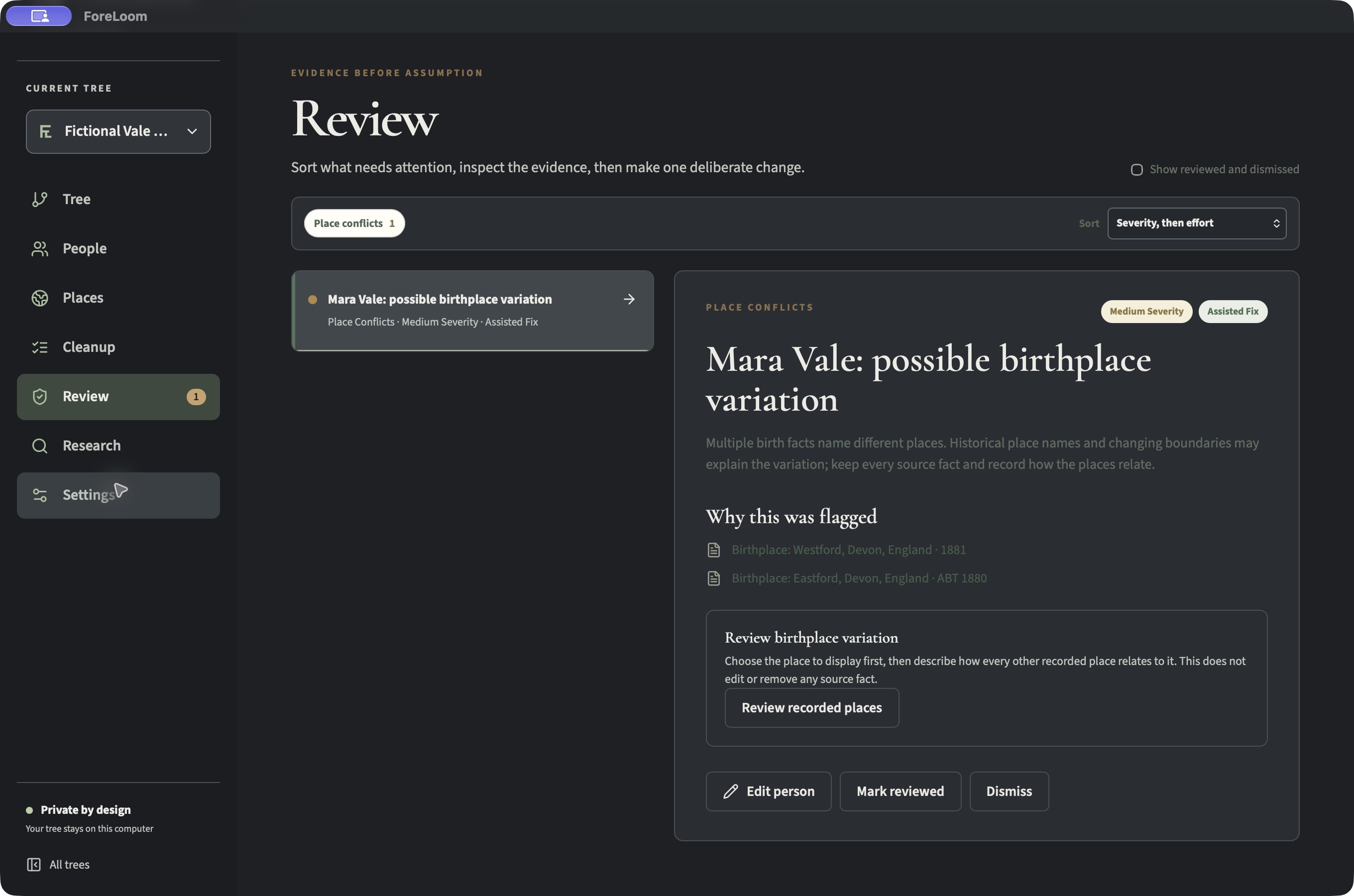
ForeLoom pairs repeatable issue checks with optional explanations from an Ollama model running on your computer. The model can help you understand a flag; it cannot edit your tree. The core review workflow works without Ollama.
See the review workflowBring your tree
Preview a GEDCOM and import it into a separate local tree.
Spot conflicts
Built-in rules flag possible date, duplicate, and birthplace issues.
Ask local AI
Optionally ask Ollama to explain a flagged issue using relevant tree context.
Keep control
Inspect the facts, make your own decision, and revisit eligible changes in history.
Unsigned prototypes.
Version 0.1.0 installers are available for testing. These builds are unsigned; Windows packaging and broader compatibility have not completed release validation.
- Mac · Apple SiliconM1, M2, M3, M4, or laterForeLoom_0.1.0_aarch64.dmgDownload
- Mac · IntelIntel processorForeLoom_0.1.0_x64.dmgDownload
- Windows · x6464-bit Windows PCForeLoom_0.1.0_x64-setup.exeDownload
Installing an unsigned prototype
Only continue if you intended to download this build from foreloom.com. A warning is expected because these installers have not been signed.
On a Mac
- Open the downloaded DMG and copy ForeLoom to Applications.
- Try to open ForeLoom. If macOS blocks it, open System Settings → Privacy & Security and select Open Anyway, then confirm Open.
On Windows
- Open the downloaded setup file.
- If Microsoft Defender SmartScreen shows a warning, select More info → Run anyway if that option is available and you trust the file.